
Leaderboards for Godot

TL;DR
The Talo Godot plugin gives you customisable, flexible leaderboards out of the box. You can hide suspicious entries from the dashboard and sync scores to Steamworks.

Learn more in the blog post:
Install the plugin
Get the Talo Godot plugin from the Godot Asset Library, GitHub releases or itch.io. Then follow the installation guide to add it into your project.
Quick start
Identify a player and add a leaderboard entry in a few lines of GDScript:
func _submit_entry() -> void:
  # Identify the player, so we know their username for the leaderboard display
  await Talo.players.identify("username", username.text)

  # Track a random score
  var score := RandomNumberGenerator.new().randi_range(0, 100)

  # Submit the score to Talo
  var res := await Talo.leaderboards.add_entry(leaderboard_name, score)
  var position := res.entry.position
Godot sample
The Godot plugin includes a runnable example leaderboard that fetches, creates and displays entries. You can be up and running in a few minutes.
Customisable leaderboards
Sorting and uniqueness
Talo leaderboards are highly customisable. Sort by descending or ascending order and decide whether players can have one or multiple entries per board.
Time-restricted leaderboards
Daily, weekly, monthly and yearly leaderboards work with no extra code. Leaderboards refresh automatically so your scores are always up to date. Just configure this in the dashboard and you're ready to go!
Hide and edit suspicious entries
Sometimes a suspiciously good entry slips through. From the Talo dashboard you can hide any entry with a single click, preventing it from showing to other players.
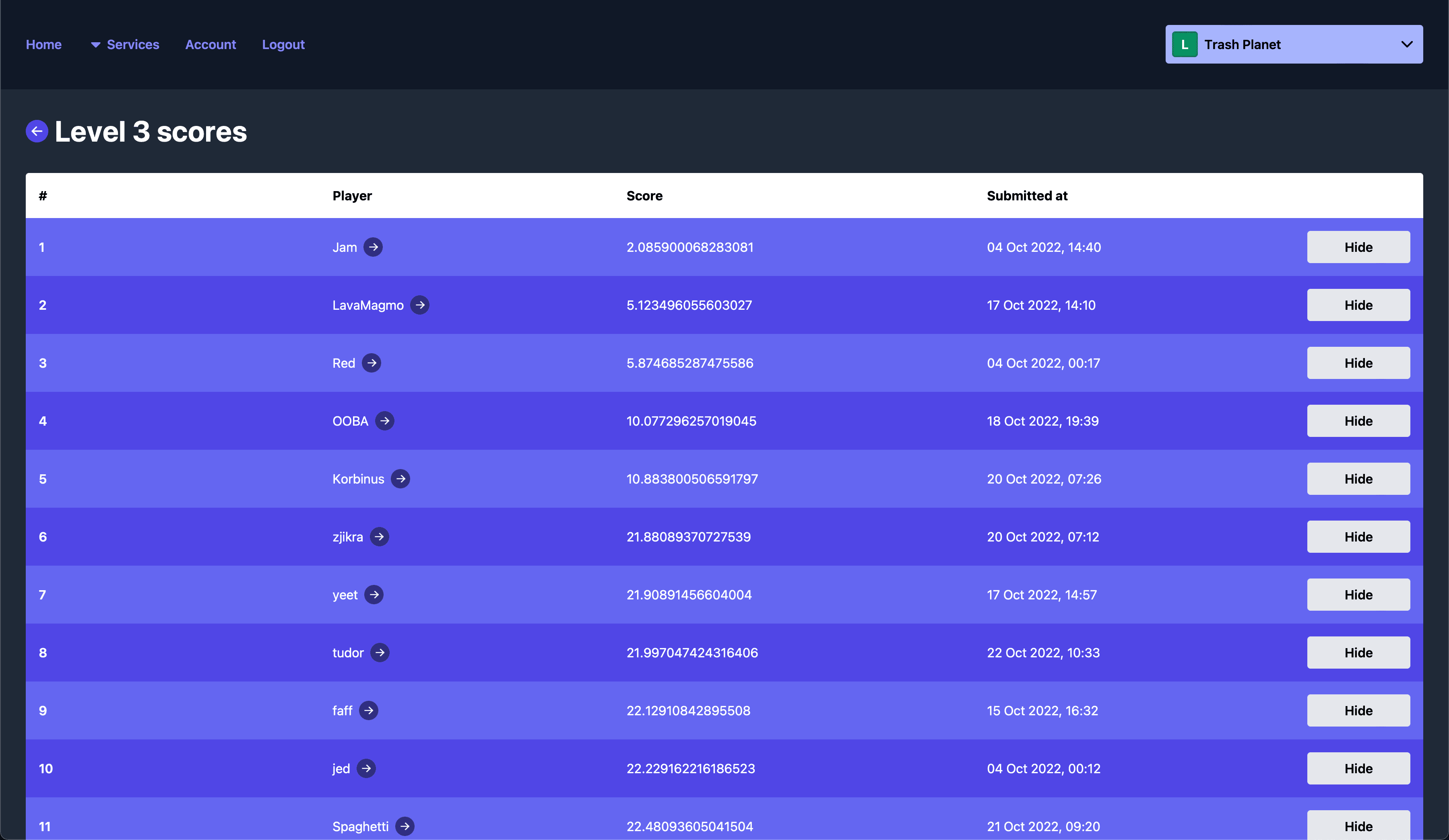
You can also edit entry scores without hiding them - useful for quickly updating a suspicious score without totally hiding it.
You can also reset leaderboards globally too, for example after a new patch or when you're ready to launch your game.
Filter leaderboards with custom props
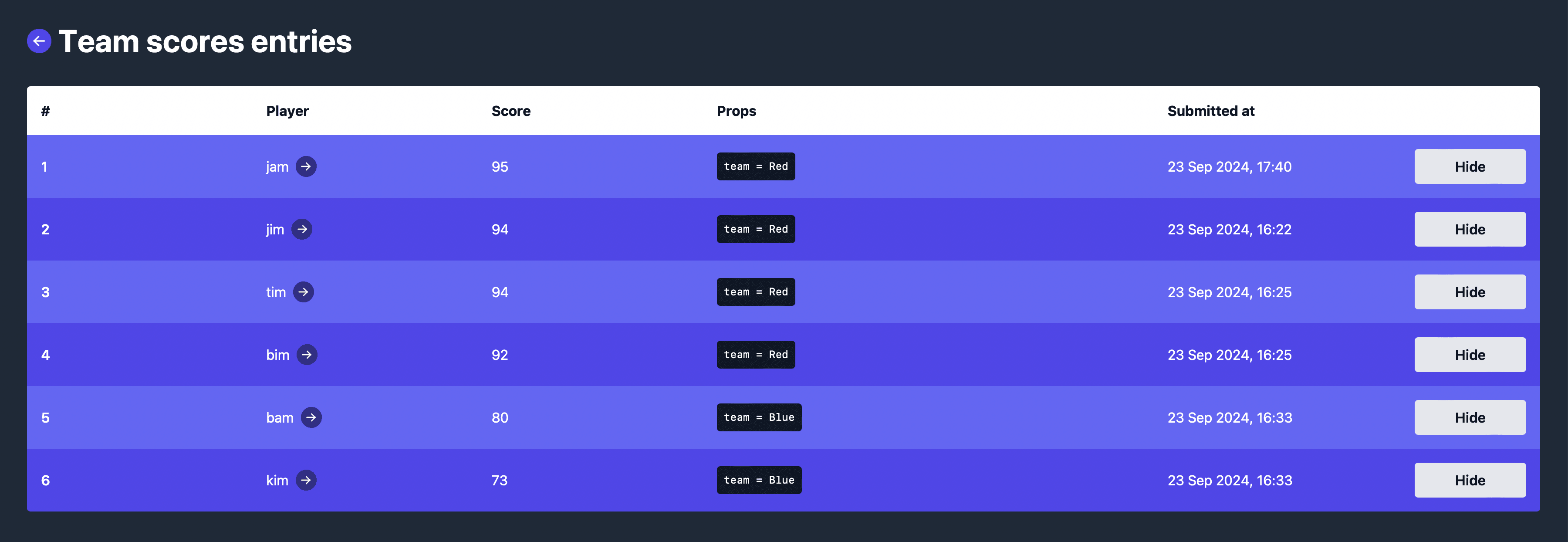
Pass extra properties through with a leaderboard entry - for example, the player's level or their team. You can then filter the leaderboard to show only players who match a specific property.
Entry props are also surfaced in the Talo dashboard so you can see at a glance which properties are being passed and how they map to filters.
Unique by props
You can also enable the "unique by props" setting which builds on the existing "unique" setting by checking if each set of props submitted by a player is unique.
This opens up intricate ways to build mechanics like procedurally generated leaderboards.
Sync with Steamworks
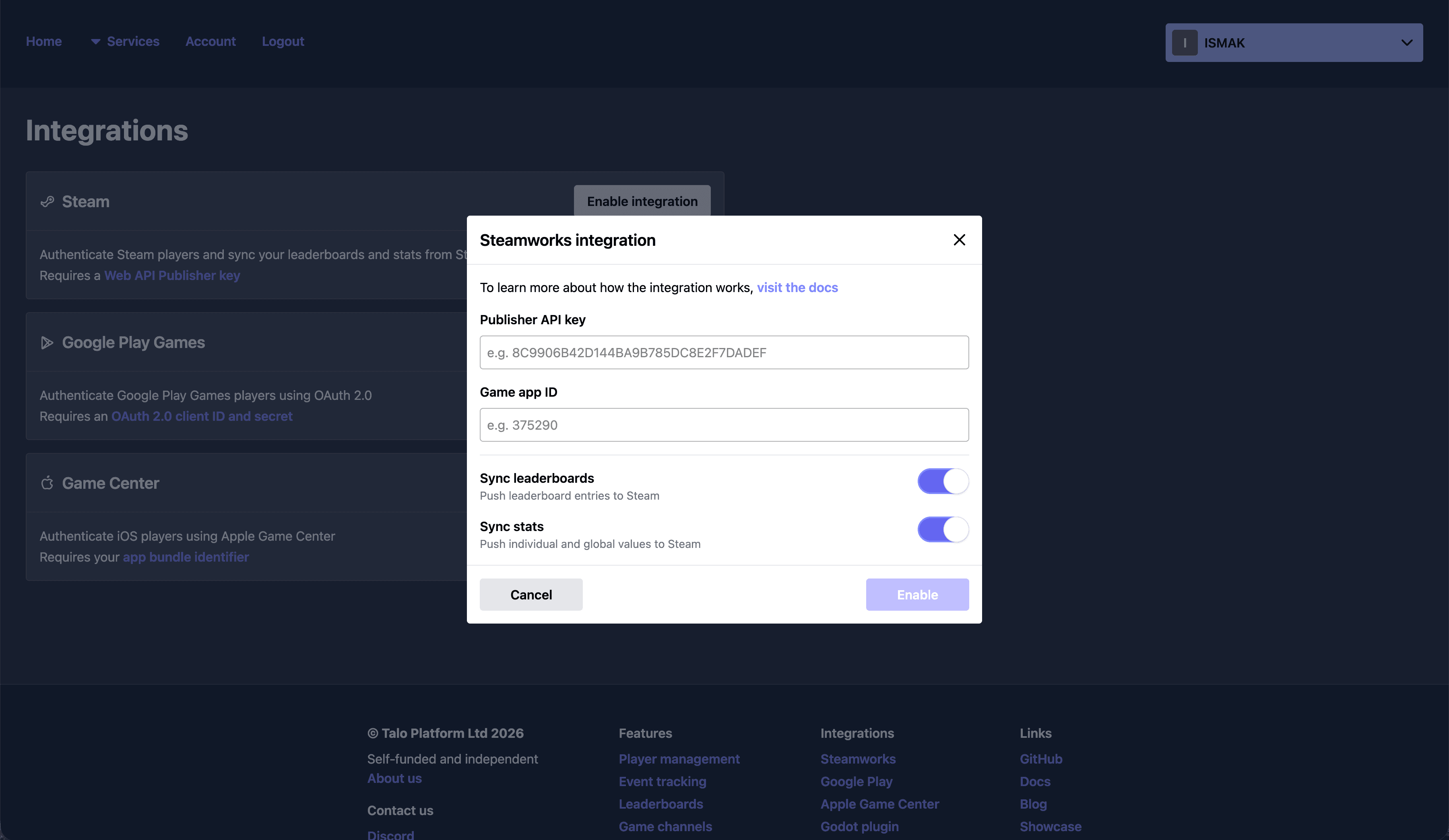
Enable the Talo Steamworks integrationand your Godot leaderboards stay in sync with their Steamworks counterparts - we'll create leaderboards and keep entries mirrored against each player's Steam profile.
Hide an entry and we delete it from Steamworks too. Unhide and we restore it. You can enable this at any time - if you already have Steamworks leaderboards, Talo pulls them in automatically.
Read the docs
To see more examples and learn how to get started, visit Talo's leaderboards docs.
Frequently asked questions
1.Can players have multiple leaderboard entries?
Yes, you can choose to allow players to have multiple leaderboard entries.
2.Can I hide suspicious leaderboard entries?
Yes, you can hide suspicious leaderboard entries directly from the Talo dashboard.
3.Can I update leaderboard entries and will it be reflected in my game?
Yes, you can update leaderboard entries for specific players and this will be instantly reflected in your game.
4.How are Talo leaderboards different from Steamworks leaderboards?
Talo leaderboards are more flexible and easier to use. You can control whether entries are unique or not, and you can update entries for specific players instantly. Talo syncs leaderboard data bi-directionally with Steamworks, so you can use both platforms together.
5.How do I add extra properties to leaderboard entries?
You can add extra properties to leaderboard entries by passing through a "props" object. This object can contain any data you want to display on the leaderboard, for example the team the player was on when they submitted their score.
6.Can I use Talo for daily leaderboards?
Yes, you can use Talo for daily leaderboards. Simply select the "Daily" option when creating a new leaderboard and Talo will automatically refresh the leaderboard at midnight UTC each day.